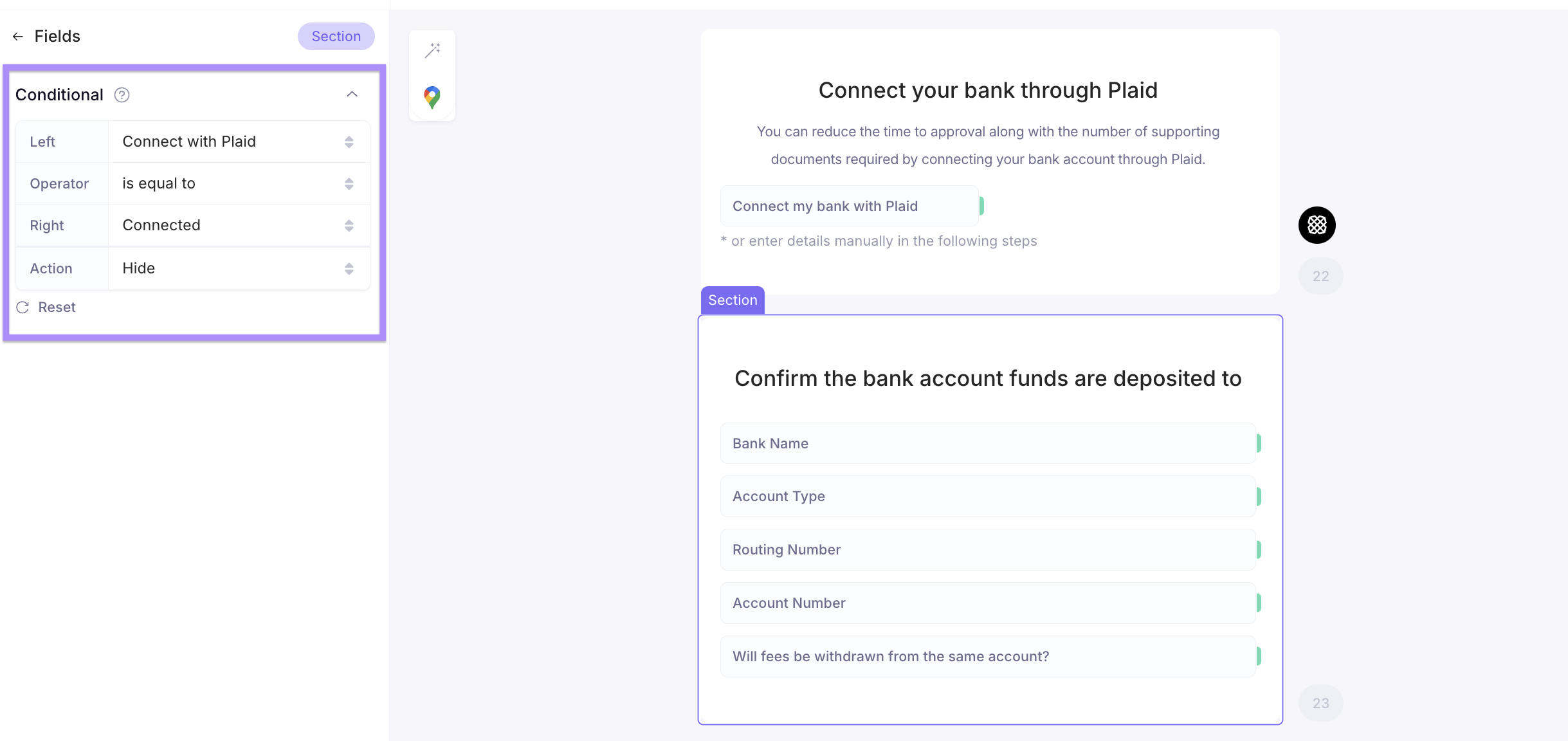
Click the "+ Create" in the top right to add Integrations to your Form
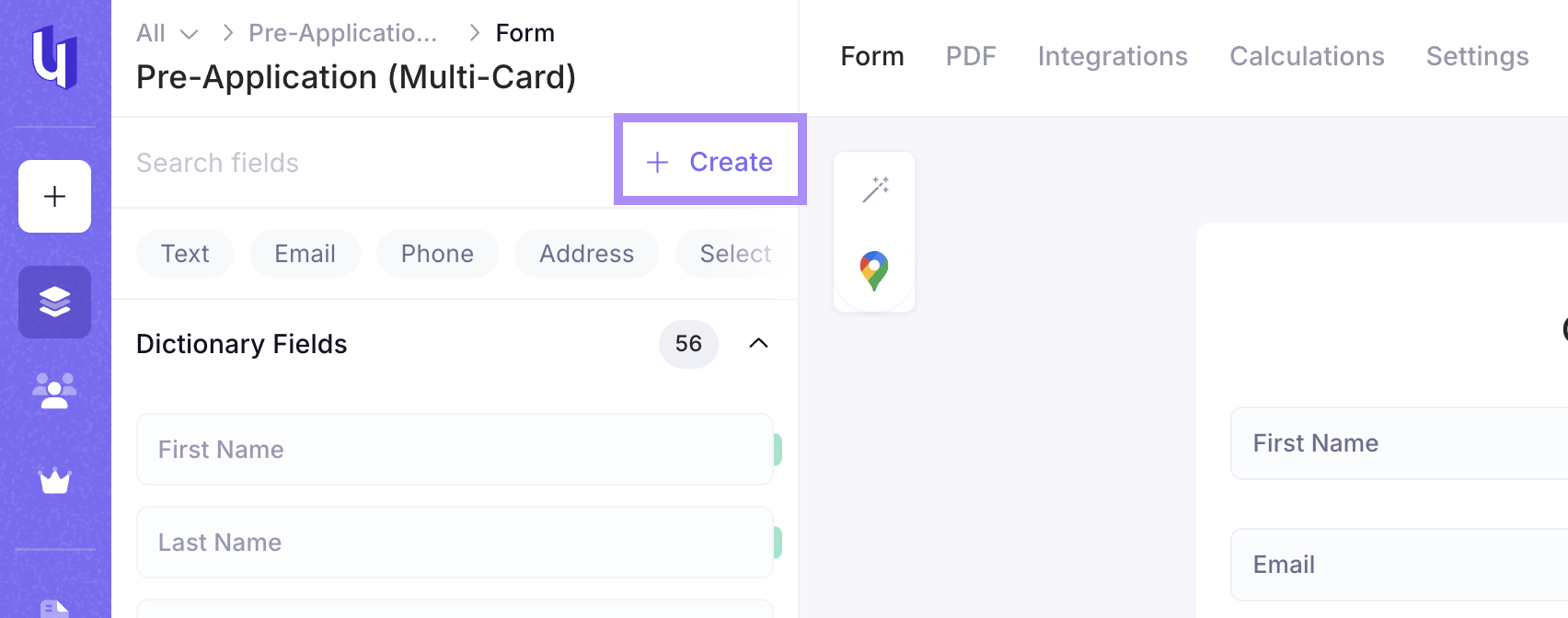
Integrations Section in the left-hand sidebar (LHSB)
Google Maps API
You can click and drag the Google Maps icon the top left corner of the form by the wand icon to gain access to a user's location while filling out the application
Twilio Multi-Factor Authentication
- Twilio is on by default on the first card
- This allows you to verify the user with their mobile phone number
- Currently Under only accepts US-based mobile phone numbers
- No Voice Over Internet Protocol numbers
- No landlines
Plaid Bank Verification
You can click and drag the Plaid icon onto the form wherever you would like the Plaid integration on the Form
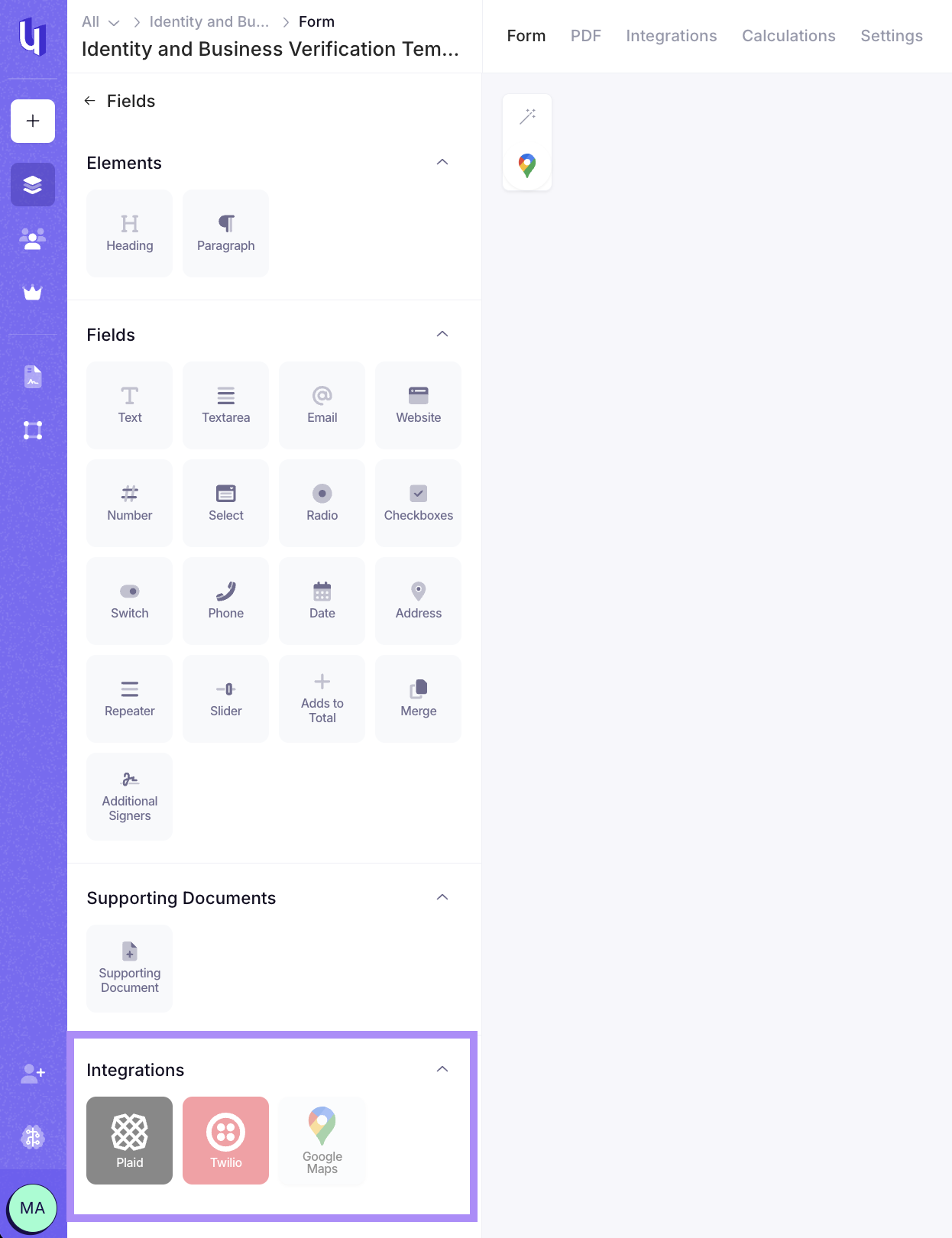
You will need to connect the Routing and Account Number returned by Plaid to the correct Routing and Account Number fields on the form
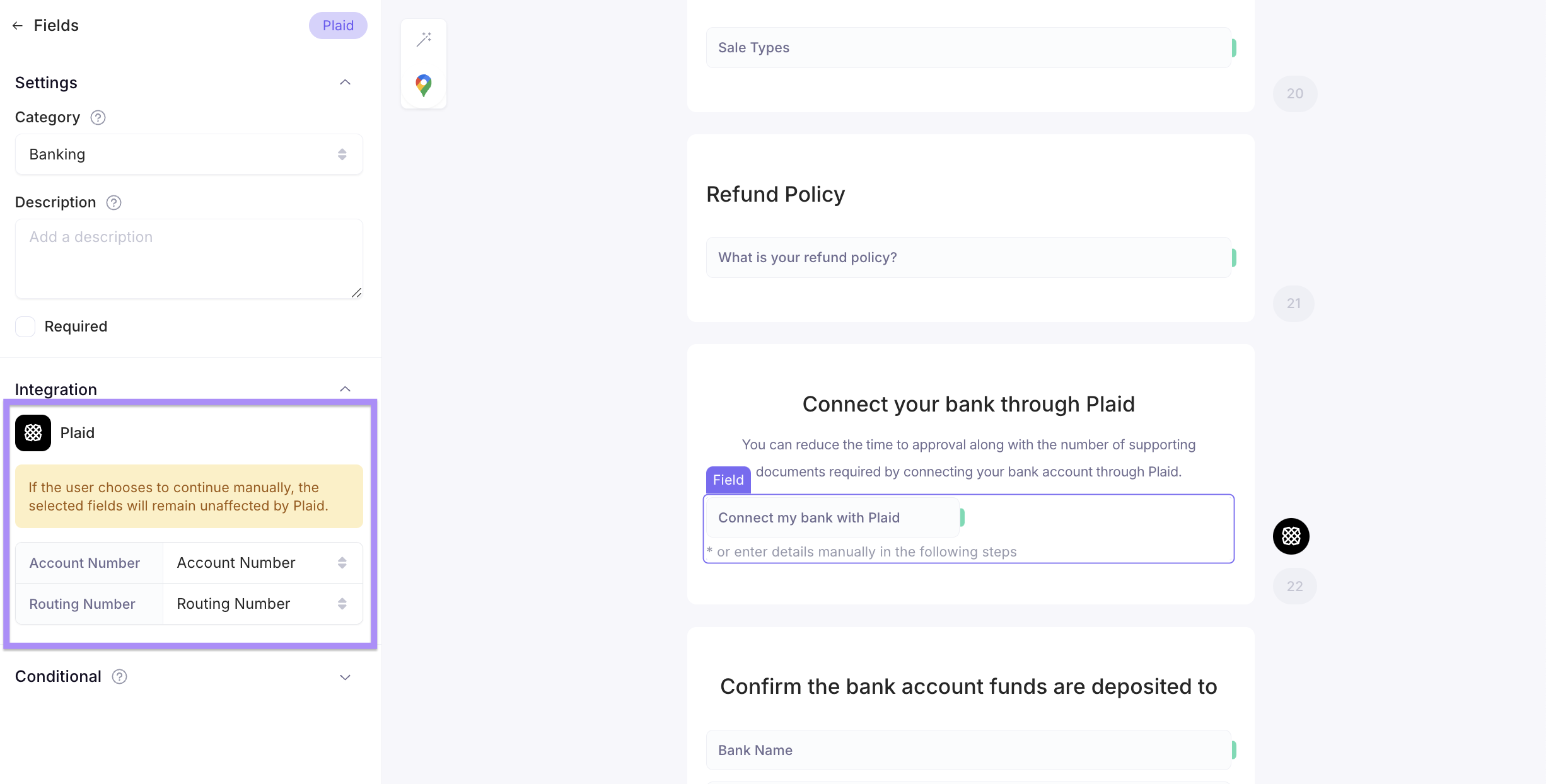
Utilizing Conditional Logic by Section, you can hide the Bank Information card based on Conditional Logic from the Plaid connection